Every developer loves AI until they open their billing dashboard.
At first, spending a few cents to generate a login page or dashboard layout doesn't seem like a big deal.
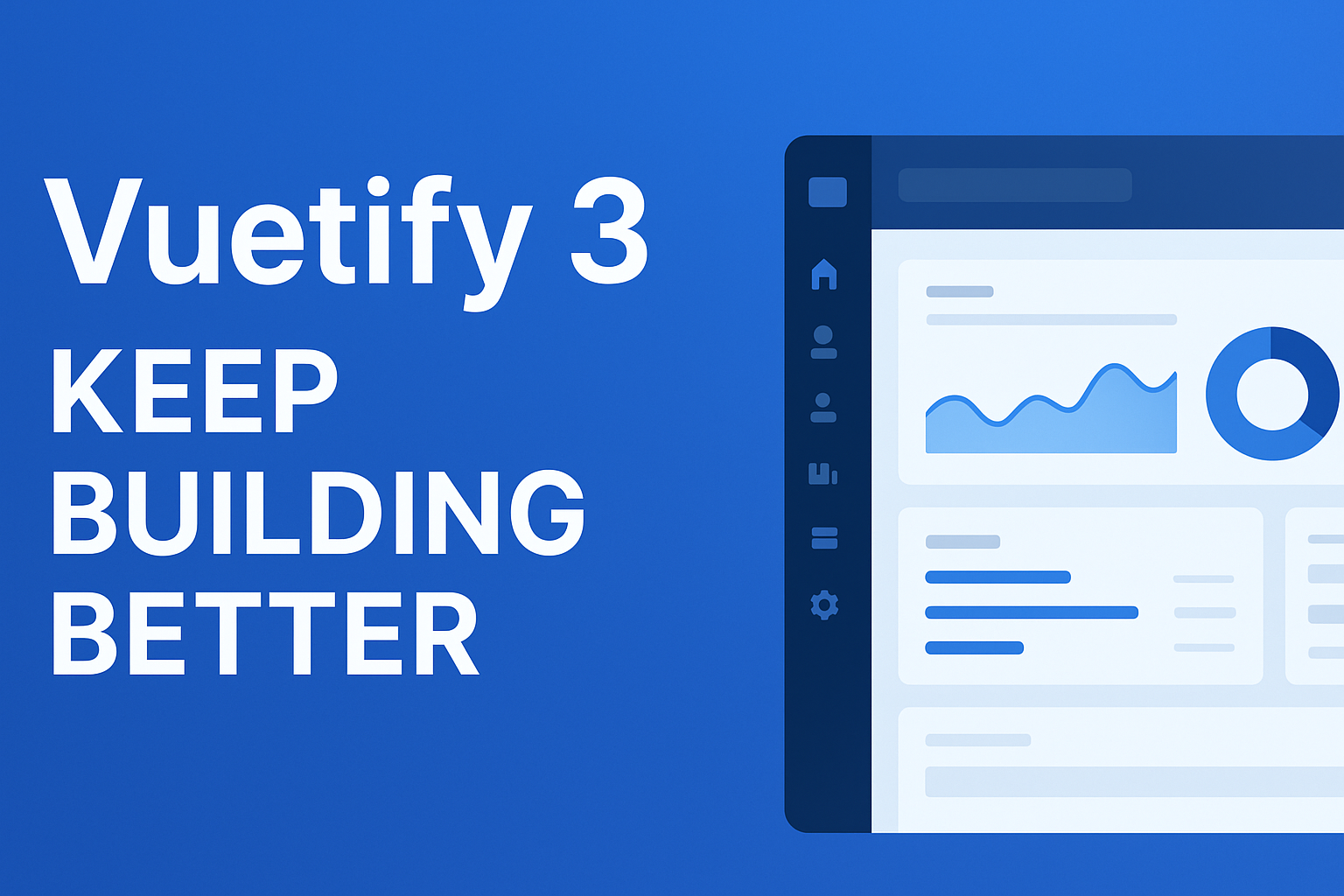
Then you ask AI to create a sidebar.
Then a navigation menu.
Then a responsive dashboard.
Then user management.
Then authentication pages.
Then settings.
Then dark mode.
Then mobile responsiveness.
Then charts.
Then tables.
Then you tweak everything three more times because the generated UI isn't exactly what you wanted.
Before you know it, you've burned through hundreds of thousands—or even millions—of AI tokens building something that already exists.
The funny part?
None of those screens make your product unique.
Your Product Isn't the Sidebar
Think about the applications you use every day.
Stripe.
GitHub.
Linear.
Notion.
Supabase.
Vercel.
Nobody signs up because the sidebar has rounded corners.
People pay for what the application actually does.
Yet many developers spend days asking ChatGPT, Claude, Gemini, or Cursor to recreate the same admin dashboard that thousands of developers have already built.
That's expensive.
And honestly...
It's a poor use of AI.
AI Should Build Features, Not Boilerplate
Large language models are incredible at solving problems.
They're great at:
-
writing business logic
-
integrating APIs
-
generating SQL queries
-
building AI workflows
-
creating automations
-
debugging code
-
optimizing performance
-
generating documentation
But asking AI to repeatedly generate:
-
sidebars
-
dashboards
-
profile pages
-
tables
-
forms
-
login screens
-
navigation menus
-
responsive layouts
is like hiring a senior software engineer to paint parking lines.
Yes, they can do it.
But that's not where their value is.
The Hidden Cost of AI Development
Many developers only think about subscription costs.
"$20/month for ChatGPT."
"$20/month for Claude."
"$20/month for Cursor."
But the real cost is API usage.
Every prompt consumes tokens.
Every regenerated component consumes more tokens.
Every "make it cleaner."
Every "change the layout."
Every "convert this to Tailwind."
Every "make it responsive."
Every "fix the sidebar."
Those requests add up incredibly fast.
For larger projects, it's surprisingly easy to consume millions of tokens just generating and refining UI.
A Better Investment: Buy an Admin Template Once
Instead of generating your UI from scratch with AI...
Spend less than $50 on a professionally designed admin template.
That's it.
One payment.
No subscriptions.
No monthly fees.
No repeated prompts.
Most premium admin templates already include almost everything an internal application needs.
For the price of a few coffees, you get:
-
Multiple dashboard layouts
-
Authentication pages
-
User profile pages
-
Settings pages
-
Responsive navigation
-
Mobile support
-
Data tables
-
Charts
-
Forms
-
Notifications
-
Modals
-
Error pages
-
Dark mode
-
Theme customization
-
Hundreds of reusable UI components
That's weeks of frontend work already done.
Human Designers Already Solved These Problems
Here's something worth remembering.
Professional UI designers have spent years refining admin dashboards.
They've tested spacing.
Typography.
Accessibility.
Navigation.
Responsiveness.
User experience.
Why ask AI to reinvent all of that every single project?
You're paying AI tokens to recreate work that experienced designers have already perfected.
Instead, let humans handle the design.
Let AI handle the intelligence.
That's a much better division of work.
Use AI Where It Actually Creates Value
Imagine you're building an AI-powered CRM.
Instead of asking AI to generate:
-
login page
-
sidebar
-
dashboard cards
-
profile page
-
settings page
-
navigation
-
forms
You start with an admin template.
Now your prompts become much more valuable:
"Integrate this dashboard with my analytics API."
"Generate role-based permissions."
"Create an AI assistant that summarizes customer activity."
"Connect OpenAI responses to this support dashboard."
"Build a workflow automation engine."
Now AI is solving actual business problems.
That's where it shines.
Why This Saves Millions of Tokens
Let's do some simple math.
Suppose generating a complete dashboard page takes around 3,000 tokens after a few iterations.
Your application needs:
-
Dashboard
-
Users
-
Products
-
Orders
-
Reports
-
Settings
-
Notifications
-
Profile
-
Billing
-
Analytics
That's only 10 pages.
You're already around 30,000 tokens just for the first version.
Now multiply that by:
-
revisions
-
redesigns
-
bug fixes
-
mobile versions
-
multiple developers
-
multiple projects
Suddenly you're well into the millions of tokens over a year.
And none of those tokens built your actual product.
They just rebuilt another dashboard.
Templates Make AI Even Smarter
One benefit that people rarely talk about is context.
When AI starts with an existing codebase, it performs much better.
Instead of saying:
"Create an admin dashboard."
You say:
"Add a customer analytics widget to this existing dashboard."
Instead of:
"Create responsive tables."
You ask:
"Extend this existing table component to support server-side pagination."
These prompts are:
-
shorter
-
more focused
-
cheaper
-
easier for AI to understand
The quality of the output improves dramatically.
Modern Admin Templates Are Already AI-Friendly
Today's admin templates aren't just static HTML files anymore.
Many include support for:
-
React
-
Next.js
-
Angular
-
Vue
-
Tailwind CSS
-
Bootstrap
-
TypeScript
-
Material UI
-
Authentication
-
API integration
-
Theme switching
-
Dark mode
That means AI doesn't need to build the foundation.
It only needs to extend it.
Think of the template as the skeleton.
AI becomes the muscle.
Faster Development Means Faster Launches
Time matters.
Every week spent rebuilding common UI components is another week your product isn't shipping.
Using a pre-built admin template means you can often skip several weeks of frontend development.
Instead of asking:
"Can AI build this page?"
Ask:
"Do I even need AI to build this page?"
If the answer is "this page already exists in a template," you've just saved yourself hours—or even days—of work.
When Does It Make Sense to Build UI with AI?
There are definitely cases where AI-generated UI makes sense.
For example:
-
unique landing pages
-
marketing websites
-
highly customized dashboards
-
interactive visualizations
-
experimental interfaces
But for standard admin panels?
A professionally built template will almost always be faster, cleaner, and cheaper.
The Best Workflow for AI Development
The most productive developers aren't replacing templates with AI.
They're combining them.
A simple workflow looks like this:
-
Buy a quality admin template.
-
Set up authentication.
-
Connect your backend.
-
Use AI to implement business logic.
-
Let AI generate APIs, workflows, integrations, and automation.
-
Keep improving the product—not rebuilding the interface.
This approach gives you the best of both worlds:
-
Professional UI
-
Lower AI costs
-
Faster development
-
Better code quality
-
More predictable results
Final Thoughts
AI is one of the biggest productivity boosts developers have ever had.
But like any powerful tool, it works best when used wisely.
Don't spend thousands—or millions—of tokens asking AI to recreate dashboards, sidebars, and forms that already exist.
Invest a one-time $30–$50 in a quality admin template.
Let experienced designers provide the interface.
Then let AI focus on what actually makes your application valuable: business logic, automation, integrations, and intelligent features.
Your users won't remember how you built the sidebar.
They'll remember what your product helps them accomplish.
And your AI bill will thank you for it.